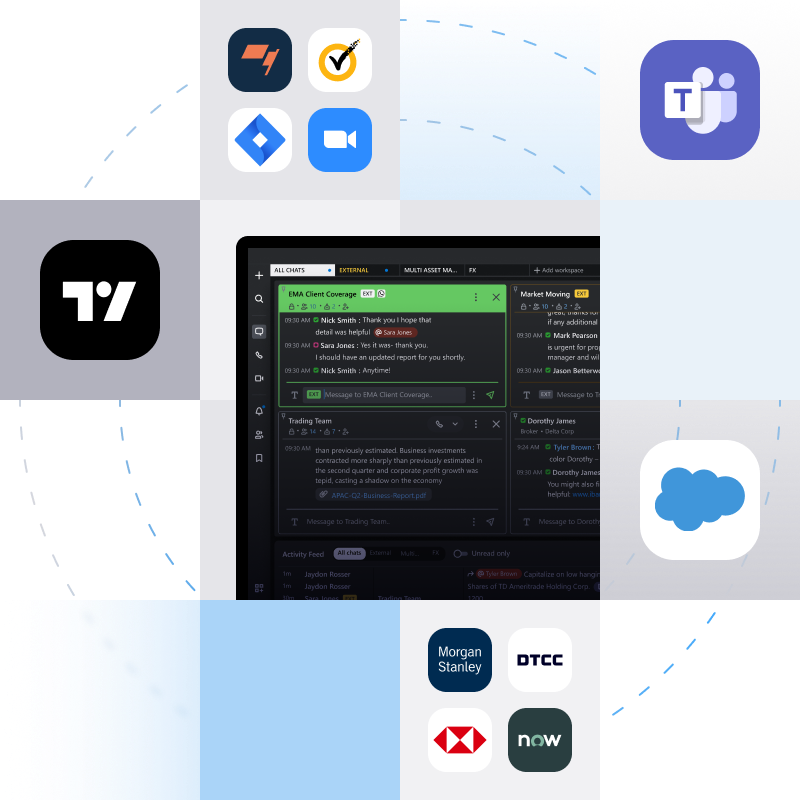
Integrations eliminate ‘swivel chair’ workflows. By connecting your teams with their tools, you can reduce the inefficiencies of context switching and foster a seamless flow of information, limiting errors and empowering teams to work faster and more efficiently.
Symphony Messaging leverages open APIs to offer communication, productivity and market specific integrations, driving efficiency, improving collaboration, and keeping your teams focused.
Bring deep financial workflows into the context of Symphony Messaging with market-specific integrations, driving efficiency across research, operations, and trading desks.
Optimize the flow of information between Symphony Messaging and integrated apps allowing users to engage with their preferred tool, fostering more efficient and continuous collaboration.
Plug external communication tools into Symphony Messaging or enable interoperability between apps so users on Symphony Messaging can speak with users of other platforms.
Optimize your time with automations. Leverage off-the-shelf bots built into the framework of Symphony Messaging for streamlined operations and easy task management.
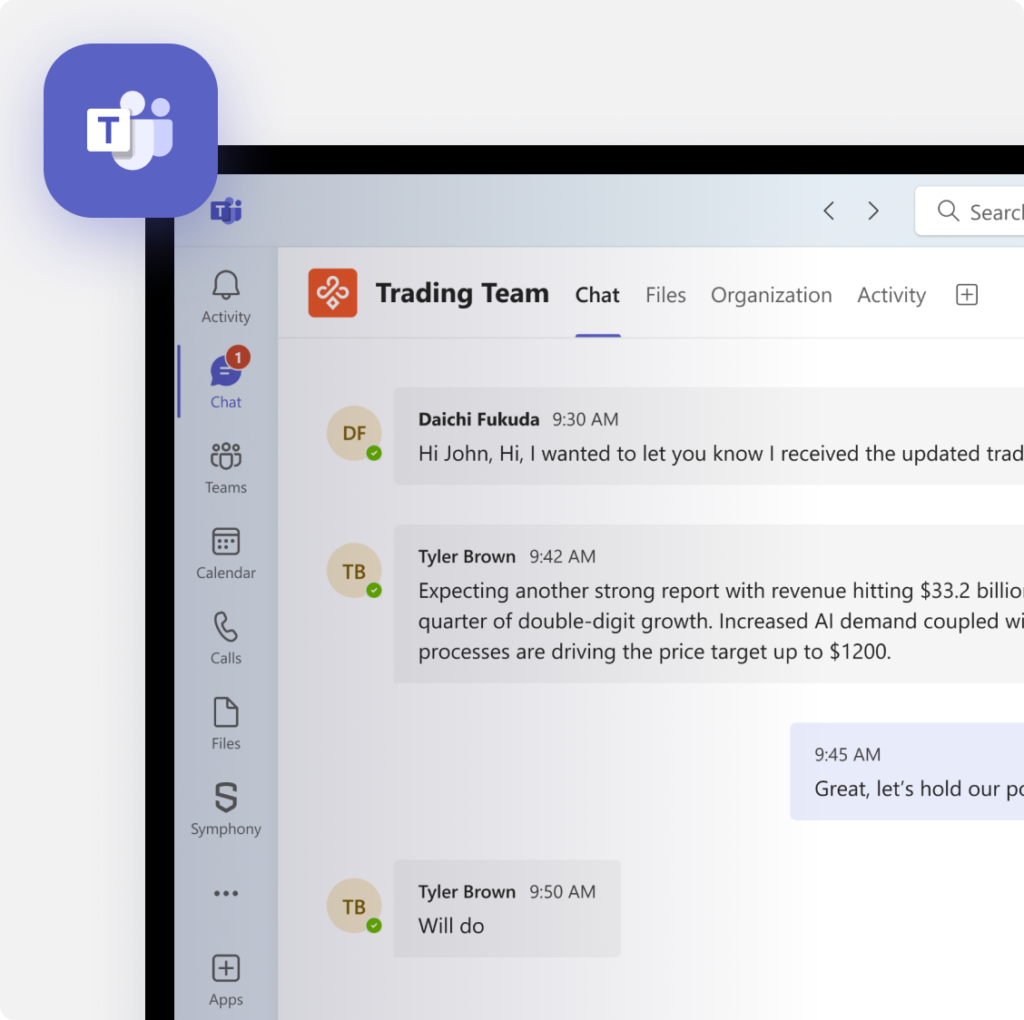
Combine Symphony Messaging and Microsoft Teams, to enable seamless collaboration without switching platforms. Connect to the market and external consumer channels like WhatsApp directly from Microsoft Teams.
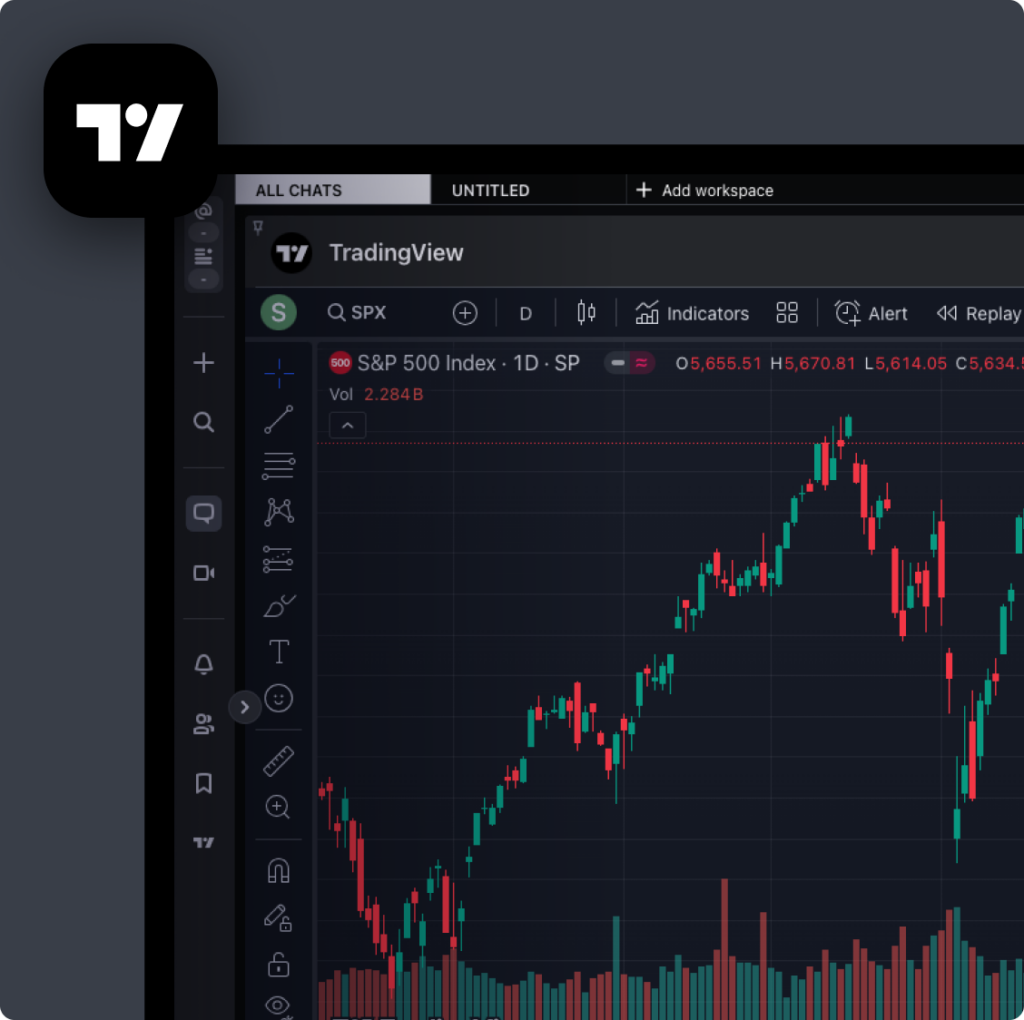
Financial services professionals need to make informed decisions quickly. TradingView brings market data, charting tools, and collaborative workflows into the Symphony Messaging environment – driving more efficient decision-making and team alignment in a single, streamlined interface.
Video conferencing is a must-have in today’s business world. Symphony Messaging’s integration with Zoom allows you to instantly start or join a Zoom meeting directly from any Symphony Messaging room or chat, allowing users to centralize communication and speak at the click of a button.
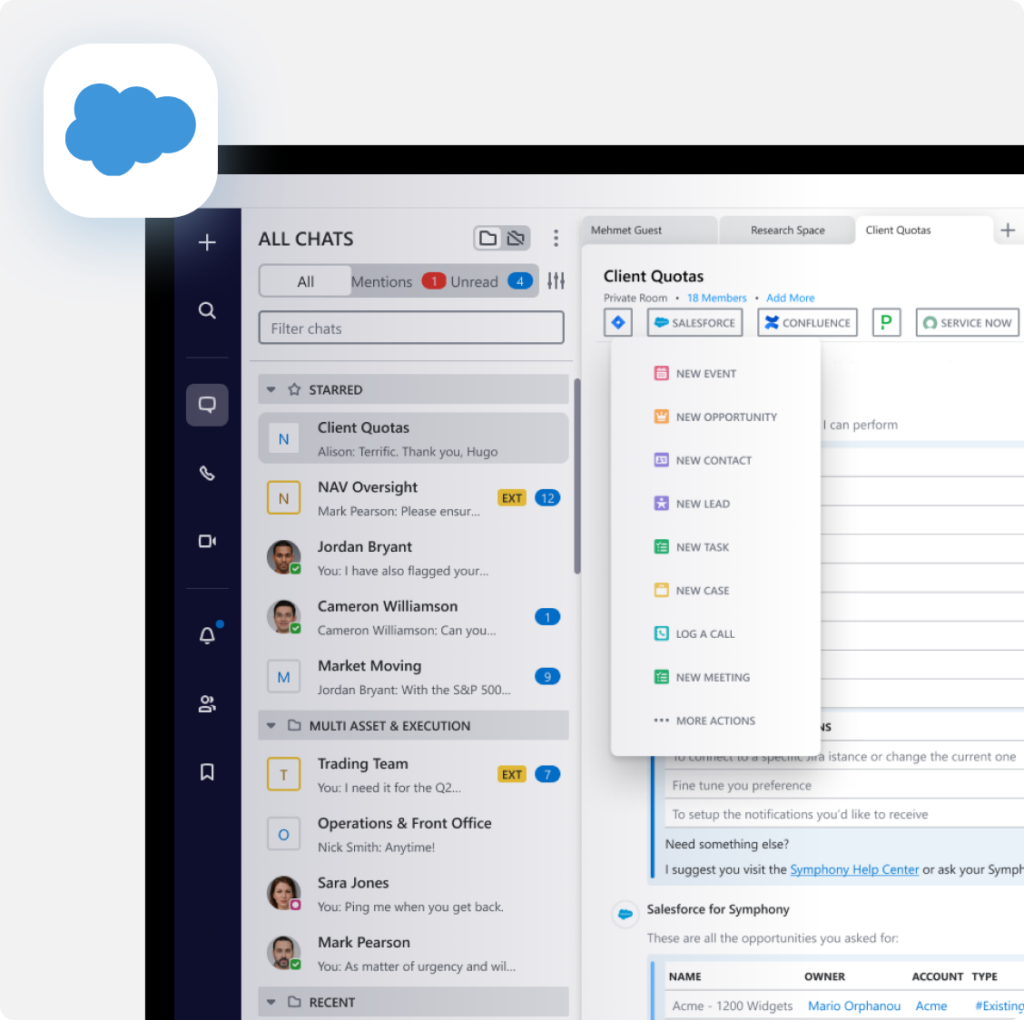
Effective sales and lifecycle management are essential for business success. Make pipeline and ongoing client management easier by feeding sales calls and meeting notes directly to Salesforce from Symphony Messaging, enabling consolidation of the CRM communication workflow.
Integrations can be found and installed via the Marketplace within the Symphony Messaging app. Users can scroll through available options or utilize the search function to locate specific apps.
Locate the bot via the Symphony Messaging Marketplace or by using the search function to add it as a contact. You can then initiate a chat with the bot or include it in chat rooms for broader interactions.
Yes, our messaging services team is available to help you build your own bots and automations. Contact [email protected] or visit the Symphony Developers site for more information.
Get started with Symphony
We're happy to answer questions and get you acquainted with Symphony and our Messaging, Voice, Directory and Analytics platforms.